Descon family · Nerv
Nerv The building as one document
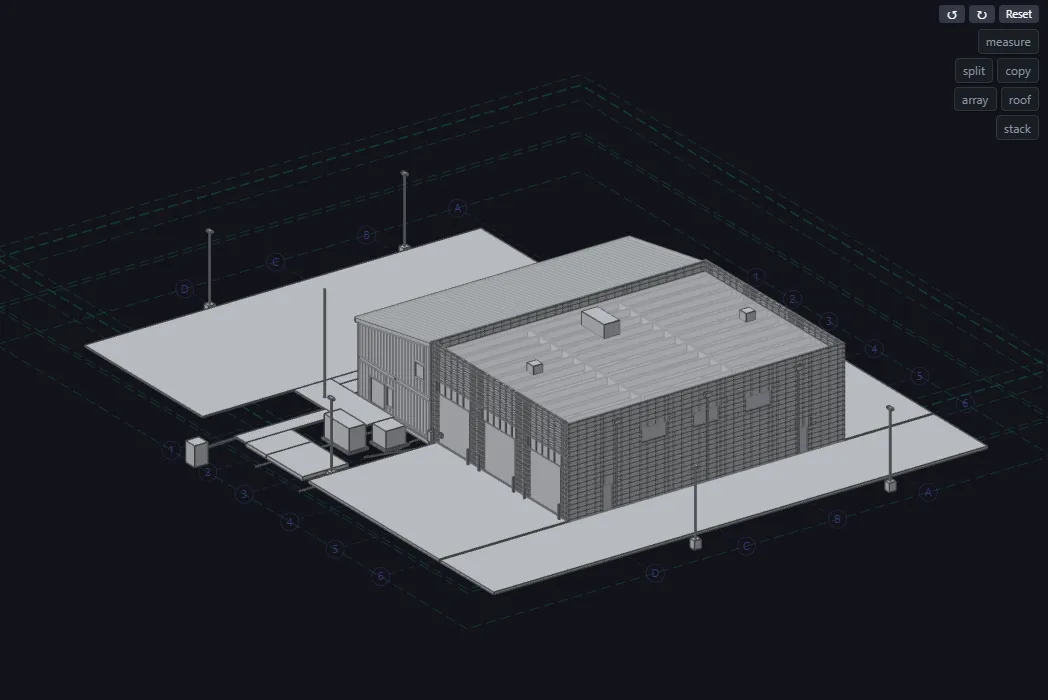
Nerv keeps the model, the calculations, the drawings and the bill of materials in one document. Each tab is a way of looking at it. Change the document on one tab and the other tabs follow.
Open NervDescon 8 to Nerv: a worked example
Nerv is in preview. Sign in with your Descon account.
-
One document, several views
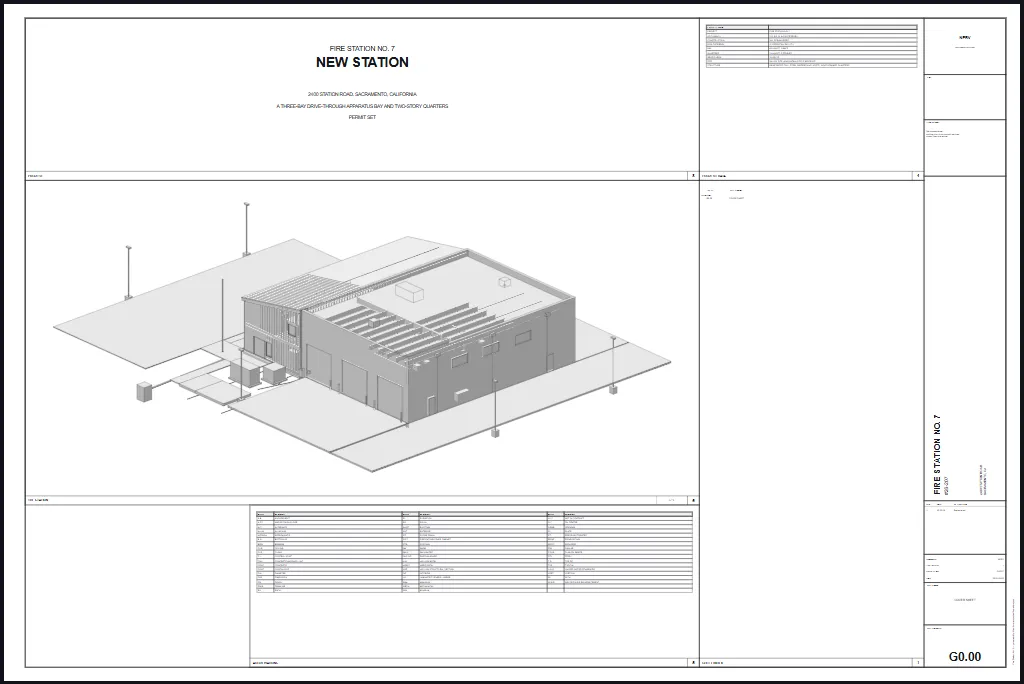
Model is where the building is drawn. Pad is the calculations. Drawings is the sheet set and its PDF. BOM is the bill of materials. Relations and Document show what is stored underneath.
-
Look around the model
Drag to orbit. The cube in the corner turns the view to a side. Click a part to select it. The panel on the right names it, and that is where you edit it.
-
Draw
Pick a tool under Draw and click in the view. Clicks snap to grid lines and to faces. Each part is stored as a relation to what it landed on.
-
The calculations
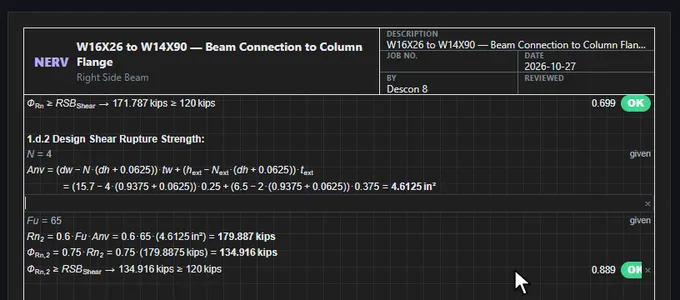
The pad lists every check, written the way an engineer writes a check, with the worst first. Click an equation to open the code clause it cites.
-
Your work, and where it is kept
Sign in, and Projects holds a project for your company. Download saves that project to a file.
-
Ask, and tell us
The assistant answers questions about this model, or makes a change with you. Each change is shown, and you can undo it.
The rest of the family
Talk to the people who build Descon
Contact Us
Questions about a connection, a license or a level - the development team answers them directly.
- support@desconplus.com
- Phone
- 312-278-4420
- 1130 W Washington St, 580
West Chicago, IL 60186