

WF Beam to
Brace to
2D Views
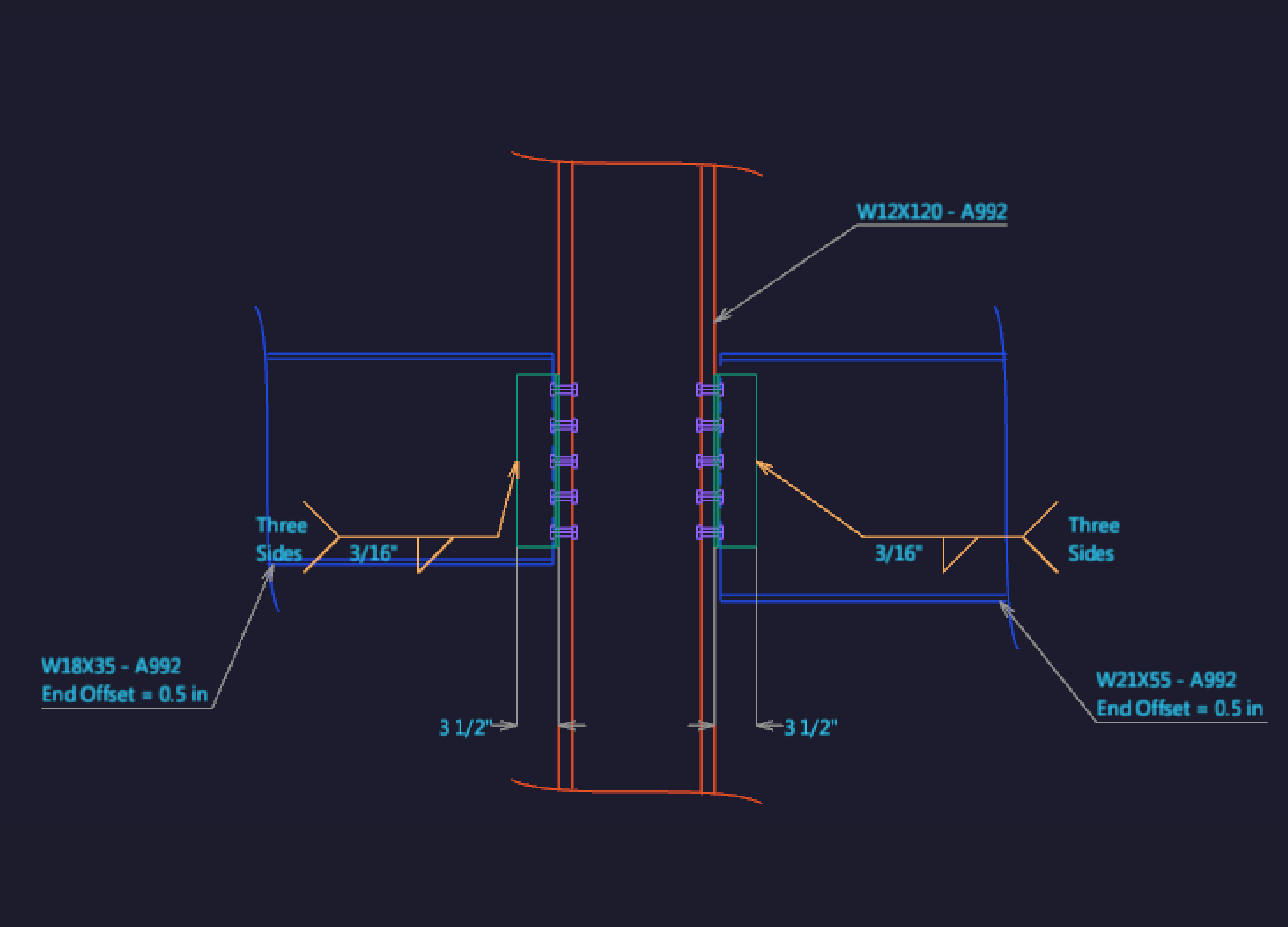
Customize all four dynamically modified 2D views.
3D Views
Visualize complex connections with a dynamic 3D view.

ON The Fly
Switch specifications whenever needed, even mid-design. It just takes the click of a mouse.
Feedback
See the governing limit state at a glance, as well as the strength ratios of all limit states.

Speed & Efficiency
Create working designs with your default preferences in just a few clicks.
Double Check
If any report doesn't pass Descon's checks, Descon will give a clear diagnosis that you can use to track down any problems.
• reporting & output • analysis & results• graphcs & design•
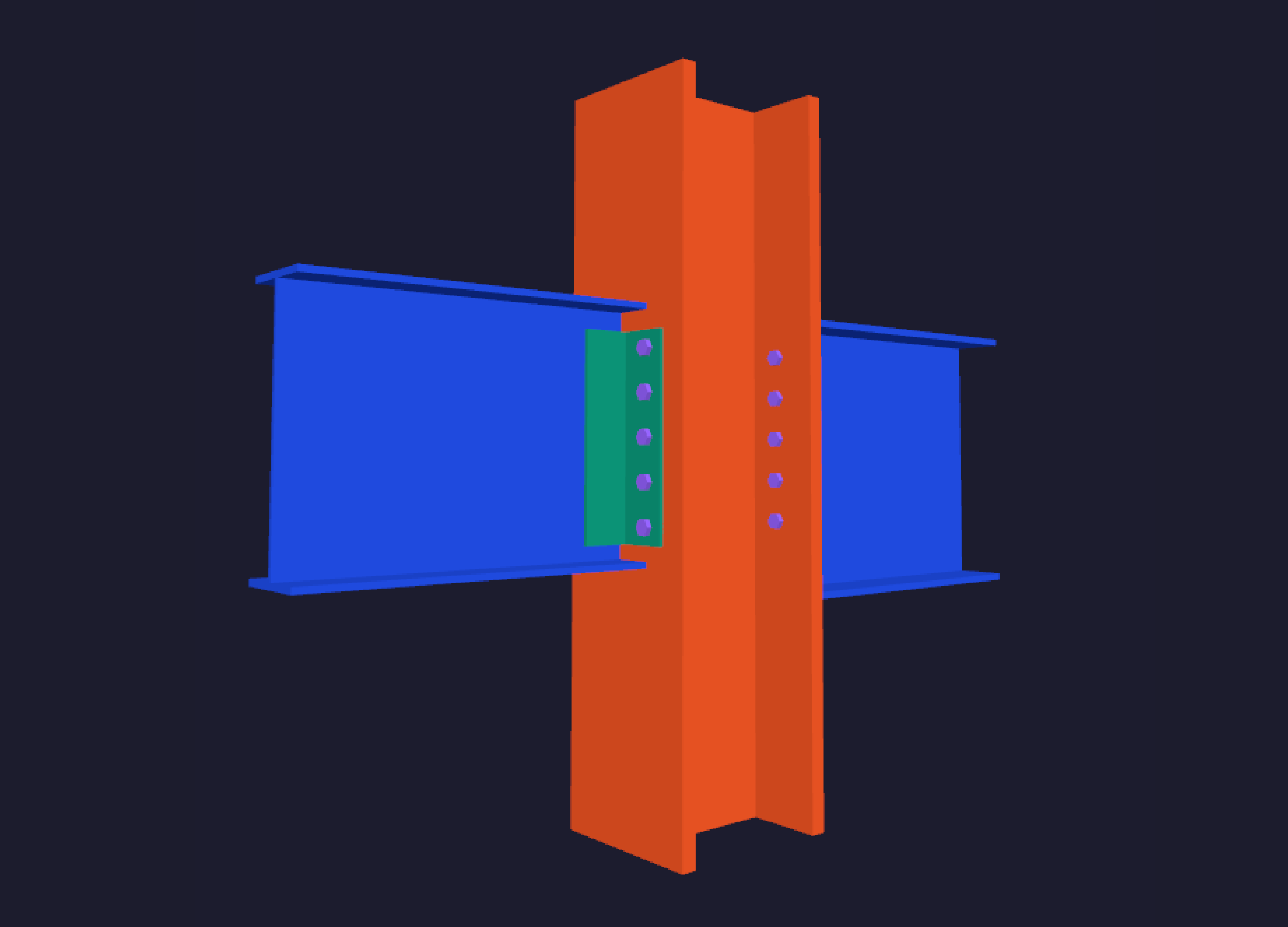
VISUALIZE COMPLEX CONNECTIONS WITH
2D & 3D VIEWS GRAPHICS & DESIGN FEATURES
2D & 3D VIEWS GRAPHICS & DESIGN FEATURES
- Visualize complex connections with 2D and 3D views
- Display any combination of 5 separate drawing views
- Dynamically drag and stretch callouts and dimensions
- Dynamically zoom, pan and rotate drawings
- Customize preferences for material types and thicknesses
- Click on connection elements to directly access inputs and forms
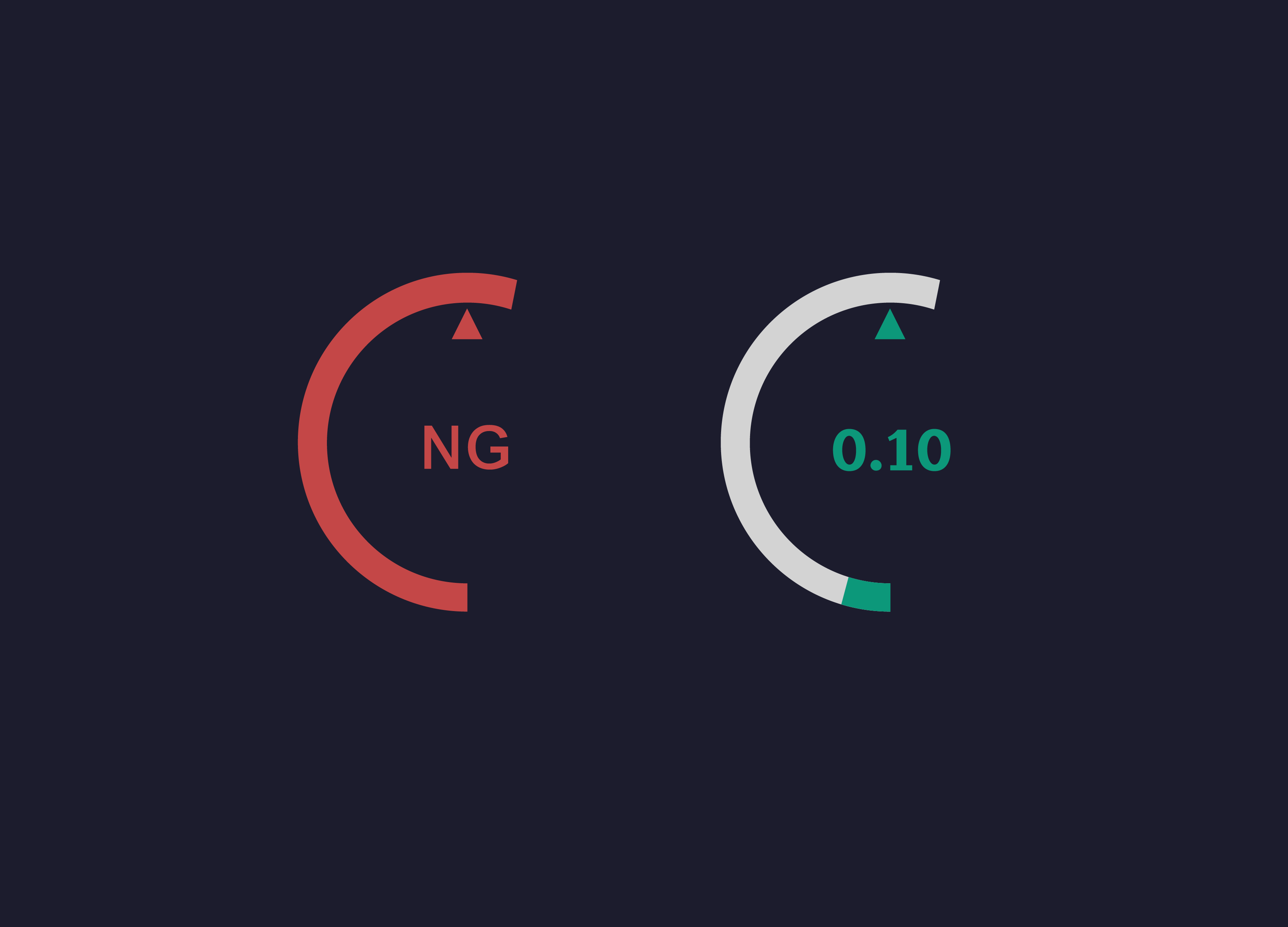
QUICKLY VIEW LIMIT STATES
WITH RATIO GAUGES ANALYSIS & RESULTS FEATURES
WITH RATIO GAUGES ANALYSIS & RESULTS FEATURES
- Quickly view limit states with ratio gauges
- Easily access calculations by clicking on individual gauges
- See overall connection capacity at a glance
- Automatically creates optimized designs
- Switch On the Fly between AISC 13th/14th and ASD/LRFD
- Drawings and reports update instantly with input changes
COMPLETE HAND-STYLE CALCULATIONS
IN .PDF, .RTF, OR .HTML FORMAT REPORTING & OUTPUT FEATURES
IN .PDF, .RTF, OR .HTML FORMAT REPORTING & OUTPUT FEATURES
- Complete hand-style calculations in .pdf, .rtf, or .html format
- Search calculations by headings or keywords
- Customizable report header, including company logo
- Add highlighting, comments and bookmarks to reports
- Organize and separate drawings on report pages
- Quickly cycle through no-goods (NG’s) and bookmarks